
Auto dialer software does exactly what it says—automatically dials numbers from a list and, when someone answers, instantly connects the call to a live agent or a recorded message. Used well, an auto dialer (or autodialer) shortens time between conversations, raises talk time, and gives managers better visibility into performance across every campaign.
While sales teams lean on autodialers for outbound prospecting, they’re also invaluable for emergency notifications, event reminders, collections, weather alerts, political outreach, fundraising, and more. Modern tools add compliance controls, call labeling/verification, branded caller ID, and CRM integrations so you can operate at scale without creating unnecessary deliverability issues, caller ID reputation problems, or data chaos.
Think of auto dialer software as the engine inside a modern outbound call center: it handles the repetitive dialing, routing, and logging so your team can focus on real conversations and outcomes instead of managing spreadsheets and manual call lists.
The Top 9 Best Options for Auto Dialer Software in 2026
- Nextiva – Best overall for CRM-based outbound calling
- Vonage – Best for CRM integrations
- RingCentral – Best for predictive dialing
- Five9 – Best for enterprise outbound performance
- DialedIn – Best for small businesses
- CallHub – Best for political, advocacy, and nonprofit organizations
- Voicent — Best for prerecorded messages
- NICE – Best for enterprise call centers
- contactSPACE – Easiest to set up and use
I reviewed today’s leading autodialers and narrowed the field to nine standout options. Below you’ll find what each does best, key features, typical use cases, and current pricing notes—plus practical buying criteria so you can choose with confidence.
Use this guide to compare capabilities like predictive dialing, TCPA controls, branded caller ID/STIR/SHAKEN support, CRM integrations, AI coaching, list management, and reporting so you can pick the best auto dialer software for your team’s size, industry, and tech stack.
Nextiva — Best overall for CRM-based outbound calling
Nextiva is a rock-solid cloud communications platform with the reliability, call quality, and integrations most teams need to run efficient outbound programs. It’s easy to roll out across remote or hybrid teams and scales cleanly as your contact list and agent count grow.
Audio quality is excellent, uptime is enterprise-grade, and admins get granular control over users, devices, and policies. While Nextiva is not a full predictive autodialer in the same class as a dedicated contact center dialer, its click-to-call workflows, outbound calling tools, and deep CRM integrations remove a huge amount of manual work and context switching—giving many teams the gains they actually want without the complexity of a heavier contact center platform.
Nextiva’s integrations connect your phone system to popular CRMs and business tools, so reps can initiate calls from a contact record and keep activity tied to the systems they already use.
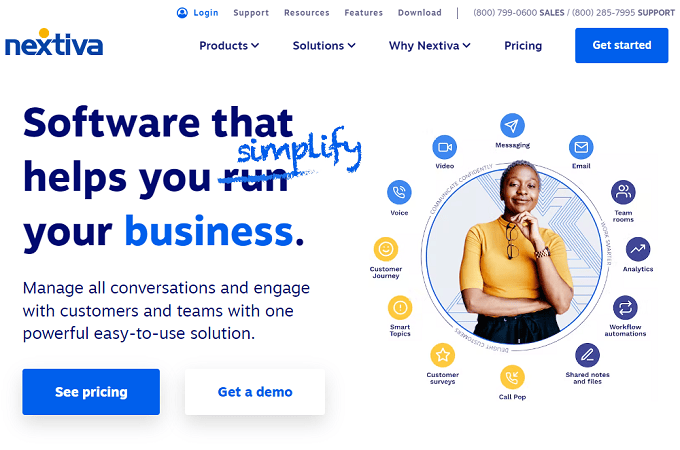
With clean list segmentation in tools like HubSpot and Salesforce, your team can run targeted calling sprints without rebuilding lists inside another dialer. You keep your single source of truth in the CRM, reduce errors, and still move faster than manual dialing.
And you’re not just getting CRM click-to-call. Nextiva bundles the broader communications stack your team needs every day:
- Unlimited calling in the US and Canada
- Video meetings
- Internet faxing
- Team chat and file sharing
- Auto attendant and IVR
- Free number porting and caller ID
- Call routing, groups, and queues
- Business app integrations
Advanced integrations and contact-center-style features typically unlock on higher tiers. Pricing varies by seats and term length, and public promotions change regularly. If your teams run on Microsoft Teams or you need deeper CX tooling, look at the higher-end packages.
Bottom line: keep your pipeline and call activity in the systems your team already uses, and let Nextiva handle reliable calling, routing, and management. Get set up with Nextiva today.
Vonage – Best for CRM Integrations
Vonage delivers a full contact center stack with built-in dialer modes, robust analytics, and tight CRM connectors. Agents can dial directly inside supported CRM interfaces, while managers get real-time dashboards, recordings, and QA tools.
Its strongest differentiator is the CRM layer. Polished integrations with Salesforce, Zendesk, ServiceNow, and Microsoft Dynamics 365 let reps work in one screen with customer context, scripts, and dispositions at their fingertips.
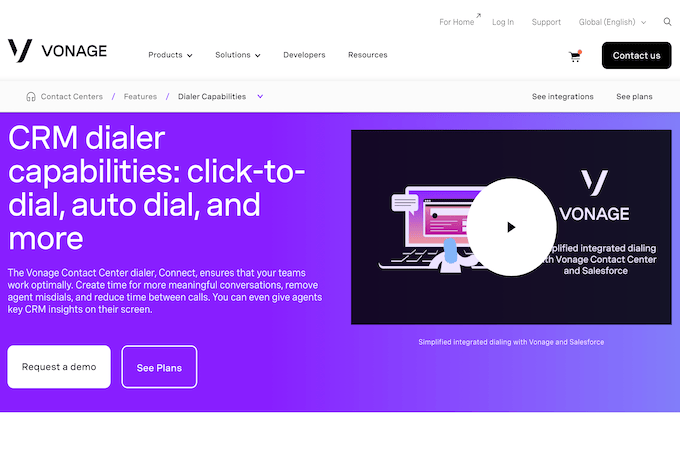
Dynamic dial lists help prioritize hot leads so agents spend more time on the contacts that matter most. You can extend the platform with options like virtual assistants, speech analytics, gamification, workforce management, screen recording, post-call surveys, and visual engagement.
Setup is straightforward: connect your CRM early, align call outcomes to your workflow, and you can move fast without forcing agents to bounce across tabs. Pricing and feature packaging vary by plan, so contact Vonage for a tailored quote.
RingCentral — Best For Predictive Dialing
RingCentral consistently ranks among the best contact center platforms. Its outbound suite includes powerful auto-dial capabilities—preview, progressive, and predictive dialing—plus manual safe-dial tools for TCPA-sensitive workflows.
Agents follow guided flows with context from your CRM and data tools, while supervisors get live monitoring, coaching, and robust analytics. The ecosystem includes hundreds of integrations, and its uptime target is among the strongest you’ll find.
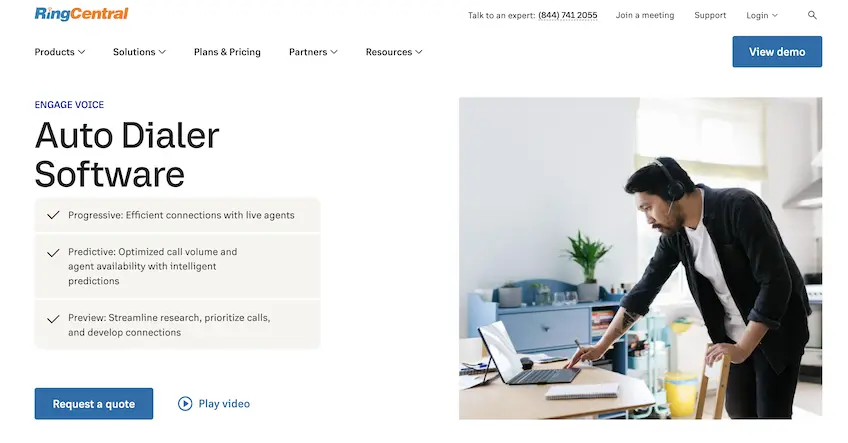
Key highlights include:
- 99.999% uptime target
- Custom campaigns with compliant dialing modes
- Extensive data and CRM integrations
- Manual safe-dial controls for TCPA-sensitive use cases
- AI-powered agent assistance, QA, and conversation analytics
- Preview, progressive, and predictive dialers
Predictive dialers sit within RingCentral’s contact center packages, not the basic business phone plans. Whether you choose RingCX or a broader enterprise contact center setup, you get modern outbound tools with strong AI and analytics. Request a quote to match features to your team size and workflow.
Five9 — Best For Enterprise Outbound Performance
Five9 is a global leader in cloud contact centers, known for excellent dialer performance and mature enterprise features. Teams use its predictive, progressive, power, and preview dialers to lift connect rates and keep agents focused on real conversations.
Beyond dialing, Five9 layers in AI for real-time agent coaching, automated summarization, and quality monitoring. Admins get granular controls for list penetration, time-zone management, pacing, and compliance—plus deep reporting you can trust in reviews and planning.
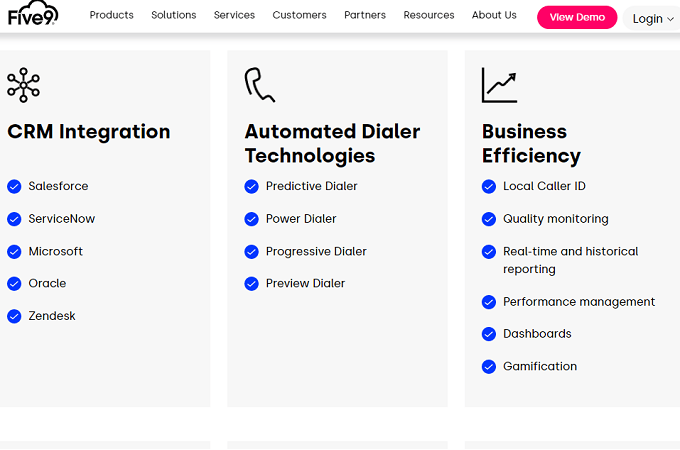
Highlights:
- Predictive dialer that forecasts agent availability
- Power and progressive dialers to match different team sizes and goals
- Preview dialer gives reps context before connecting
- AI for coaching, QA, and post-call analytics
Pricing is customized based on features, seats, and usage. Talk to Five9 to design the right package for your outbound program.
DialedIn — Best for Small Businesses
DialedIn (formerly ChaseData CCaaS) is a cloud contact center built to be approachable for smaller teams without sacrificing power. You get modern dialer modes, clean campaign management, and industry-specific configurations that help SMBs launch quickly.
Typical use cases include financial services, insurance, utilities, travel, home services, debt collections, nonprofits, consumer sales, and B2B teams. Admins can tailor dispositions, scripts, and automations without heavy IT lifting.
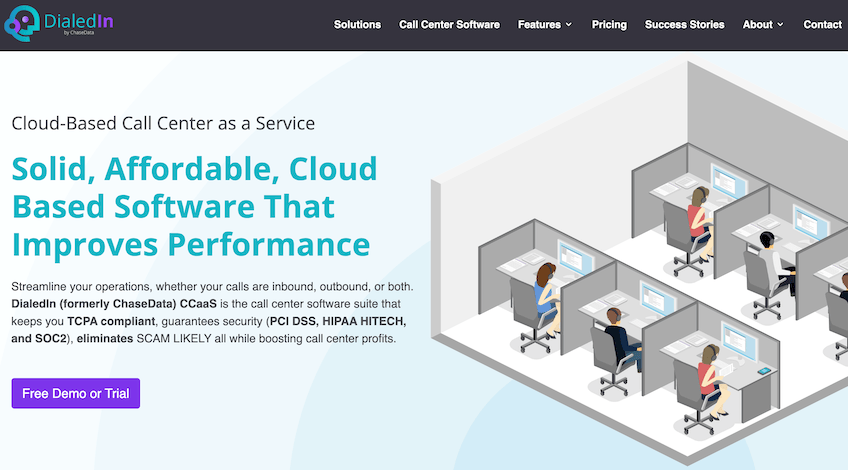
DialedIn offers cloud contact center tooling that can scale from small teams to larger operations. Entry-level setups are approachable, while higher tiers unlock stronger automation, dialer modes, and QA features. Reach out for a demo and current rates.
Preview and progressive modes are available, while predictive dialing typically sits higher in the product lineup. Get started with DialedIn.
CallHub — Best For Political, Advocacy, and Nonprofit Organizations
CallHub combines calling, voice broadcasts, and texting in one tool trusted by political campaigns and nonprofits worldwide. It shines with advocacy-specific integrations, volunteer workflows, and campaign dashboards non-technical operators can use.
Dialer modes include predictive, power, preview, and a robo dialer for prerecorded messages—ideal for fast awareness drives. Compliance features help keep you on the right side of the rules: the platform does not generate random or sequential numbers, and it supports caller authentication features where available.
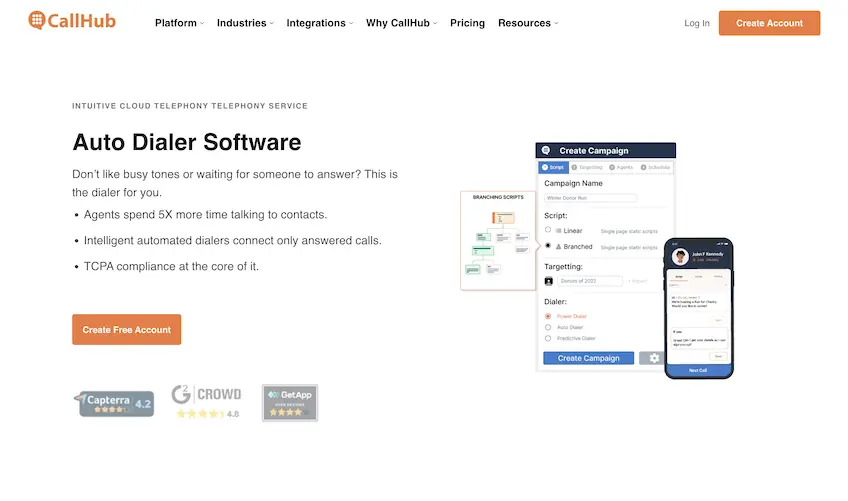
Useful extras include local presence caller ID, follow-up scheduling, live monitoring for QA and training, DNC list handling, answering machine detection, follow-up texts, and personalized scripts. Reporting highlights real conversations and agent performance so you can tune outreach in real time.
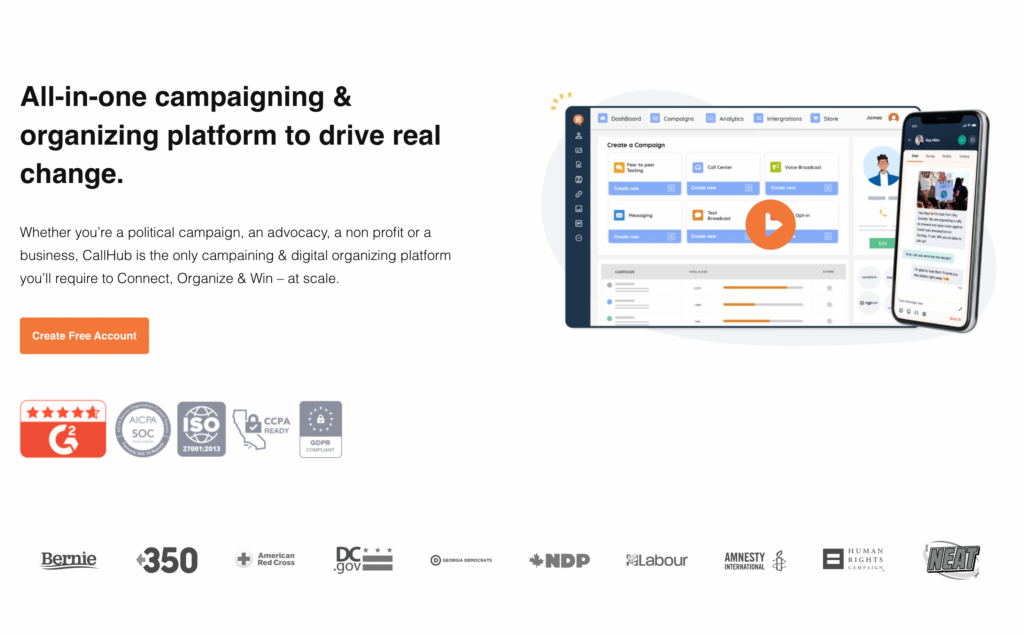
Pricing is usage-based for calling and texting, with optional support tiers if you want faster SLAs and live chat. Rates vary by country and call type, so check the live rate card. If your primary work is political, advocacy, or nonprofit outreach, CallHub’s workflows will feel instantly familiar.
Business users can make CallHub work, but many companies will prefer alternatives on this list that are more sales-team-centric out of the box.
Voicent — Best For Prerecorded Messages
Voicent is a long-standing platform for outbound calling, inbound voice, SMS, and marketing automation. Its cloud service and on-premise options give teams flexibility if they want a more traditional deployment choice alongside hosted tools.
The standout feature is scalable voice broadcasting: upload or record a message and deliver it to long lists. The system can detect answering machines and leave voicemails in a human or text-to-speech voice. It’s a fit for event notifications, weather alerts, bill reminders, pickup and delivery notices, and emergency school messaging.
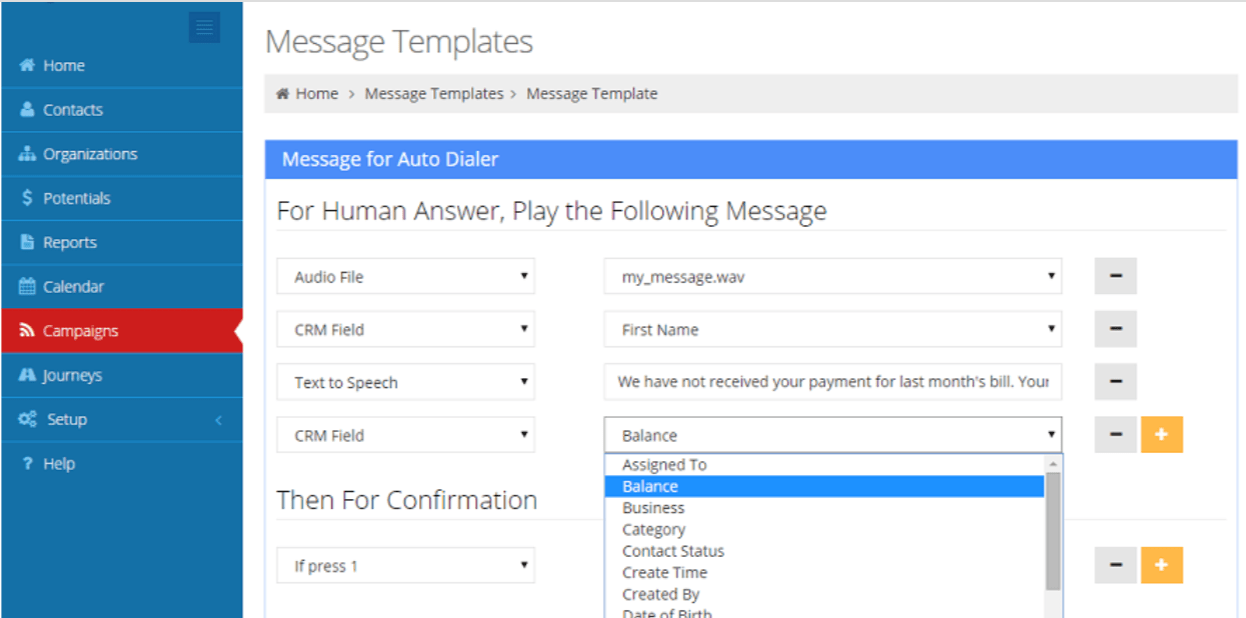
Other helpful capabilities include simultaneous calls, robust text-to-speech, Excel imports, and CRM-style contact tracking for follow-ups so messages don’t disappear into the void.
Voicent offers a 30-day free trial for its cloud service, while on-premise buyers can test the software before purchase. Pricing depends on the deployment model and usage, so check the current rate card before you launch large campaigns.
NICE — Best For Enterprise Call Centers
NICE CXone modernizes large contact centers with a unified platform covering dialers, routing, workforce and quality management, performance analytics, and CRM integrations.
Predictive, progressive, and preview dialers are integrated with compliance controls and real-time insights. AI services assist agents during calls, summarize outcomes, and flag coaching moments for supervisors.
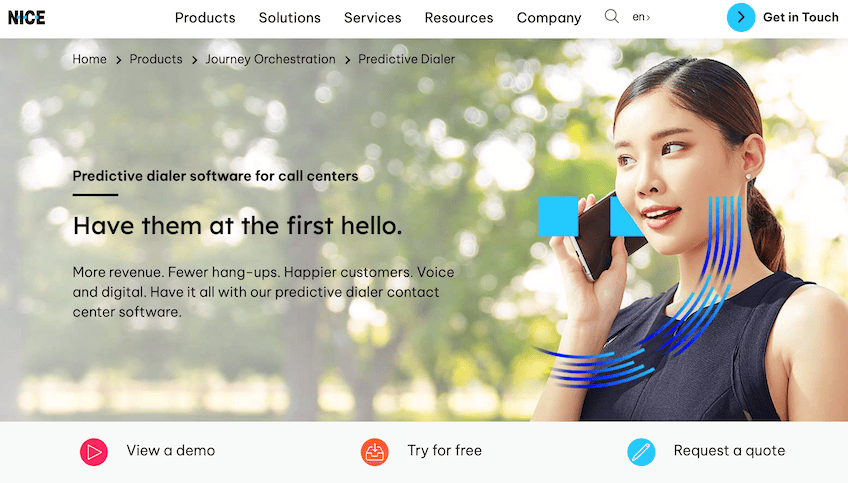
Request a demo to scope features and pricing for your footprint; trial options vary by region and package.
contactSPACE — Easiest to Set Up and Use
contactSPACE makes deployment painless. The vendor handles setup, onboarding, and training, then supports ongoing optimization—so small teams without in-house IT can still run sophisticated outbound programs on a cloud auto dialer.
Intelligent cloud calling helps you target the right people at the right times, prioritize the next best contact, and route calls to agents with the right skills. Target filters, segmentation, and simple workflows reduce leakage and keep reps focused on live conversations.
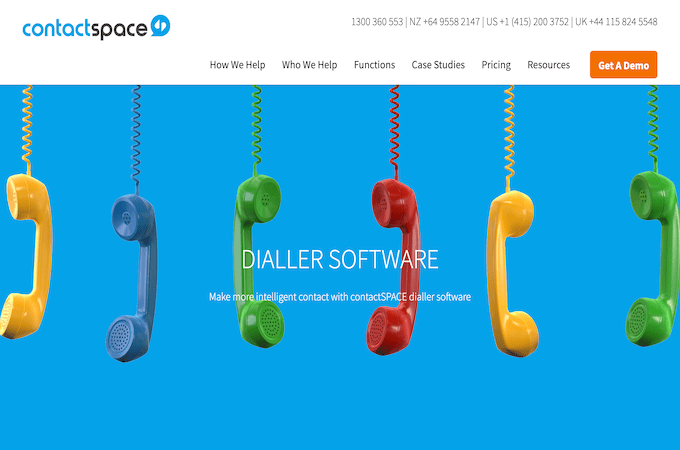
Admins can categorize prospects, set callback urgency, and match contacts to agents with the right expertise. Reps see clear, guided screens with scripts and dispositions, cutting training time drastically.
Pricing check (March 2026): contactSPACE continues to show four public tiers—Silver, Gold, Platinum, and Diamond—roughly aligned to dialer modes and analytics. Indicative per-user pricing appears around $105, $139, $175, and $239 per month respectively; confirm currency, concurrency minimums, and inclusions with sales before budgeting.
Reach out to contactSPACE to run an ROI assessment and schedule a demo.
How to Find the Best Auto Dialer Software For You
Match the dialer to your workflow, compliance needs, and tech stack. Below are the criteria I used to shortlist tools—and how to apply them to your situation when you’re comparing auto dialer software, contact center platforms, and VoIP systems with built-in outbound dialing.
Ease of Use
The promise of an autodialer is more talk time, not more busywork. If agents are toggling windows, rebuilding lists, or hunting for scripts, you’ll lose the gains. Look for clean agent desktops with scripts, notes, and dispositions in one view, plus one-click callbacks and admin workflows that don’t require a developer.
Always take a demo or trial and put a few reps on a live list. If it takes too long to onboard a caller and start real conversations, keep shopping.
Automation Features
At minimum, you want dial modes that match your goals (preview, progressive, power, predictive), answering machine detection, call recording, and automatic logging. Extras that move the needle in 2026 include branded calling and caller authentication support, voicemail drop, time-zone and list-penetration controls, agent assist, AI coaching, and workflow automations for follow-ups and handoffs.
Small frictions compound. Removing one click or manual step per call can save hundreds of hours per year at scale.
CRM Integration
Keep your contact truth in the CRM. If you already run Salesforce, HubSpot, Zoho, Dynamics, or Zendesk, choose an autodialer that plugs in natively so reps can dial from the record, see history, and log outcomes automatically. Avoid exporting and importing CSVs or maintaining separate lists—those workflows create duplicates, stale data, and compliance risk.
If a vendor includes its own CRM, confirm it can sync with the systems you’ll keep using for sales, service, and marketing.
Price
Pricing varies widely. Some tools are seat-based with bundled minutes; others charge per minute for voice and per message for SMS or MMS. Enterprise platforms often quote by package, with add-ons for workforce management, QA, analytics, or AI services. Compare effective cost per rep and per connected conversation, not just list price.
Beware feature bloat. If you won’t use workforce optimization or gamification, don’t pay for it. Negotiate volume discounts and look for annual-term savings.
Compliance
Confirm that your platform supports responsible dialing and the rules that apply to your program. In the US, look for controls that support TCPA-sensitive workflows, DNC scrubbing, call-time windows, and consent capture or storage where needed. Caller authentication and branded calling, where available, can help reduce spam labeling and improve answer rates. If you store personal data, require strong security and access controls.
Finally, train agents on compliant scripts and dispositions, and monitor with QA—your processes matter as much as the software.
The Top Auto Dialer Software in Summary
Auto dialer software is essential for modern call centers and outbound teams looking to maximize efficiency, boost connection rates, and accelerate results. The right platform eliminates manual dialing, reduces idle time, and increases the number of live conversations your agents can have every day.
After analyzing performance, features, integrations, and usability, Nextiva stands out when you want reliable outbound calling tied closely to your existing CRM and communications stack. Predictive-dialer specialists like RingCentral, Five9, and NICE offer more advanced pacing and analytics for large-scale outbound, while contactSPACE is one of the easier options to price and deploy.
If you want a single communications platform with strong CRM sync and practical outbound calling tools, start with Nextiva. If you already know you need a full-featured contact center auto dialer with predictive modes and advanced analytics, focus your shortlist on RingCentral, Five9, NICE, and contactSPACE—and map each one against your CRM, compliance needs, and outbound goals.
- Nextiva – Best overall for CRM-based outbound calling
- Vonage – Best for CRM integrations
- RingCentral – Best for predictive dialing
- Five9 – Best for enterprise outbound performance
- DialedIn – Best for small businesses
- CallHub – Best for political, advocacy, and nonprofit organizations
- Voicent — Best for prerecorded messages
- NICE – Best for enterprise call centers
- contactSPACE – Easiest to set up and use